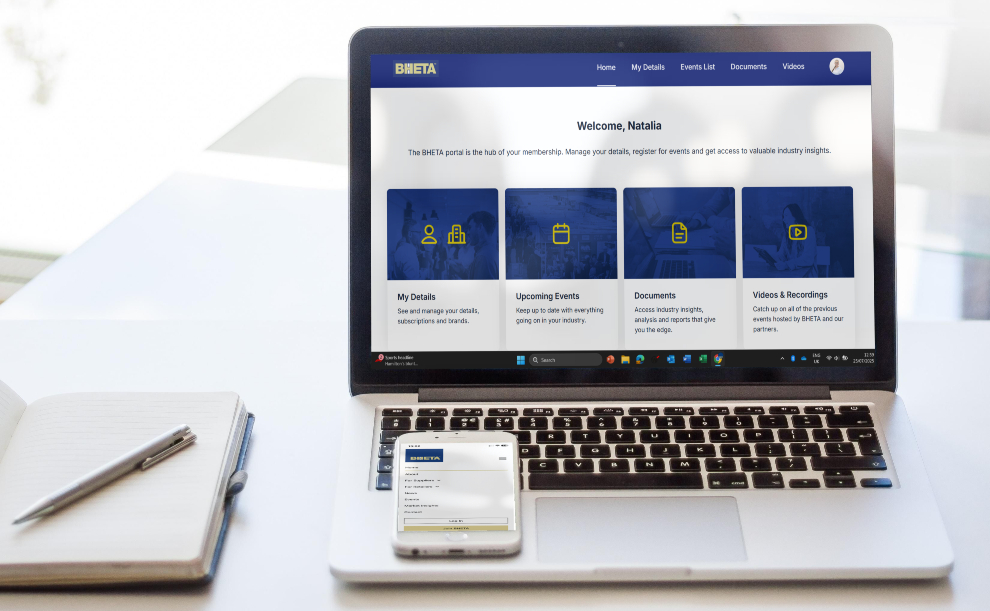
The BHETA Member Portal is your gateway to exclusive member benefits. Once logged in, you can update personal details, manage company information (as organisation admins), and access a library of valuable resources, including commodity price reports, market data updates, past webinars and more. Every employee of a member company is eligible for an account - follow this simple guide to log in and make the most of your membership.
If you received an email invitation to register to the portal, follow the instructions in the email.
If you can’t find the invitation, follow the steps below.

Portal Log In
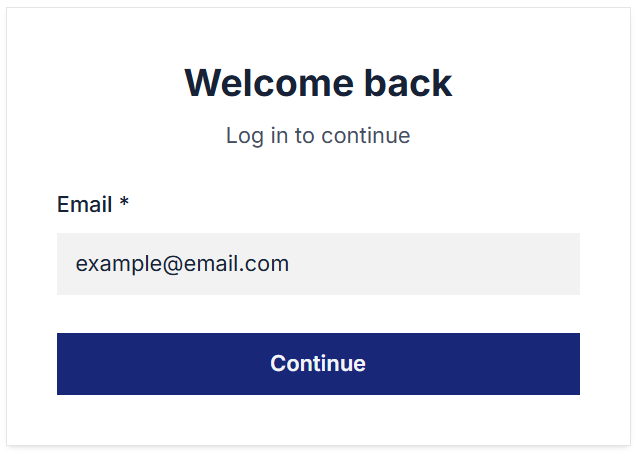
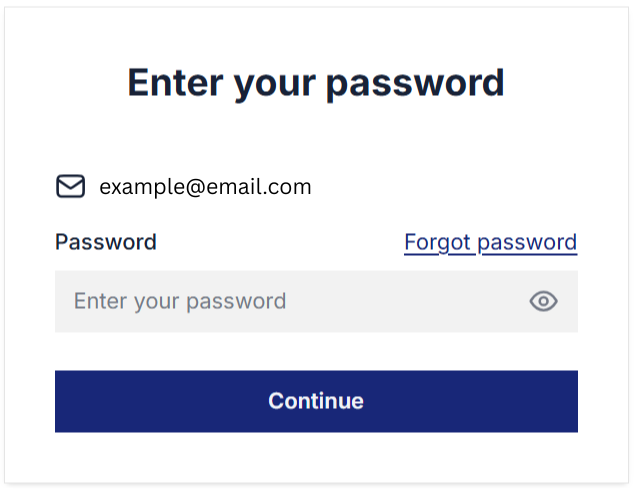
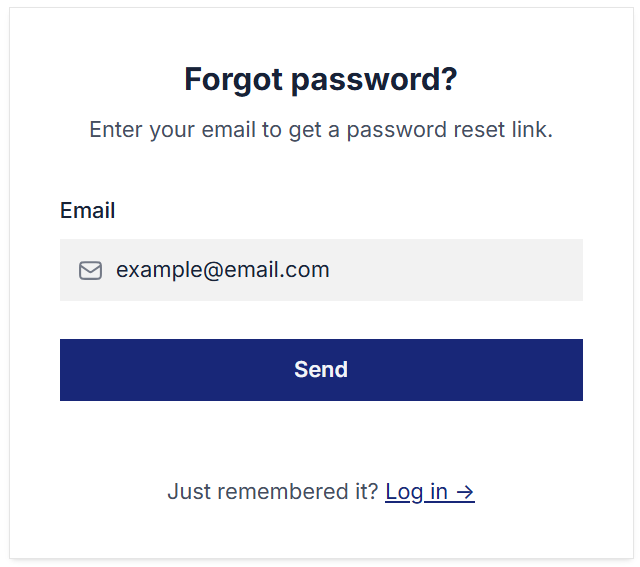
An e-mail with a password reset link will be sent to your inbox. If you don’t see it, be sure to check your spam folder.
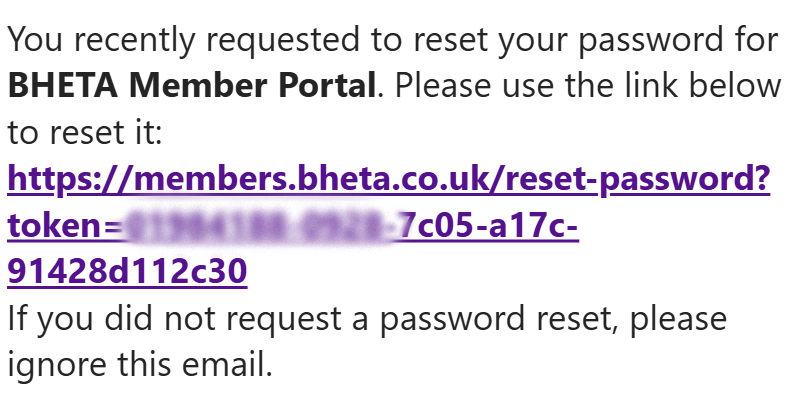
You should receive an e-mail from BHETA Member Portal (info@bheta.co.uk) titled ‘Reset your password for BHETA Member Portal’. Contact info@bheta.co.uk if you're not receiving the link.
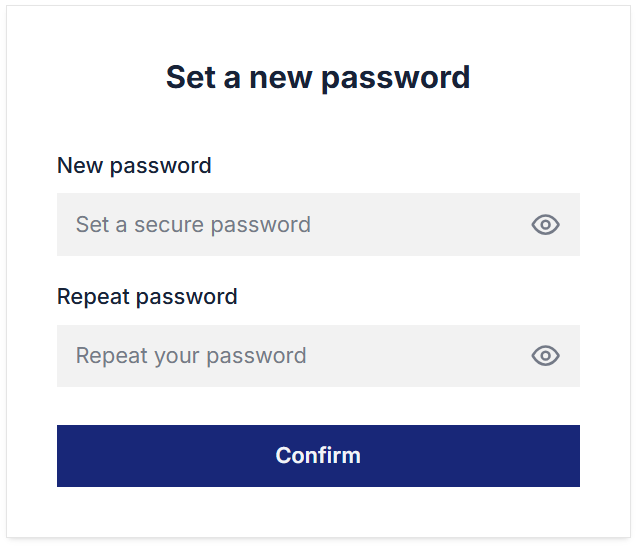
Enter a new password following the guidelines. Use a mix of letters, numbers, and symbols for better security.
Setup complete! You can now access the BHETA Member Portal.



.png)